
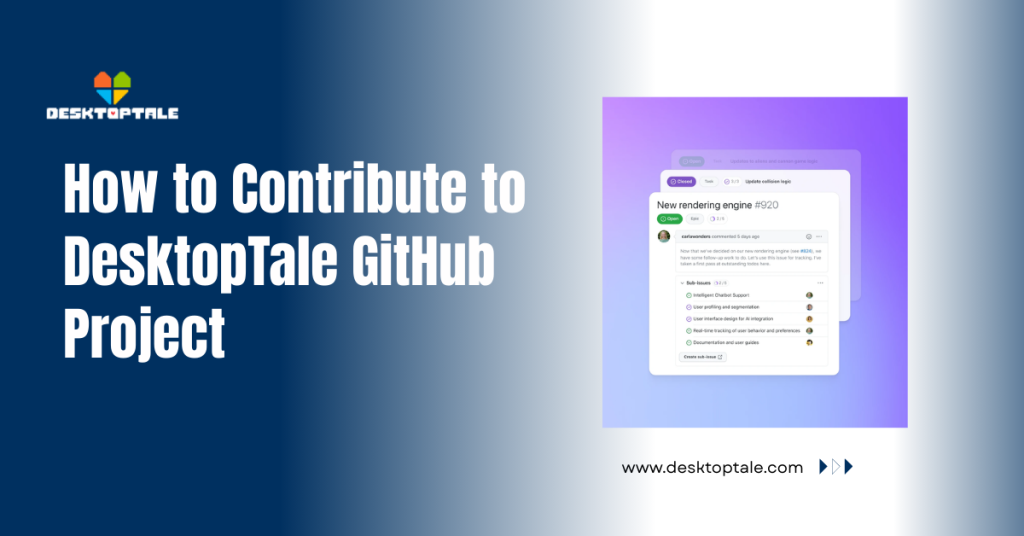
How to Contribute to DesktopTale GitHub Project
Joining the DesktopTale open-source community is the best way to leave your mark on this awesome desktop pet engine. Whether you are a master coder or a creative artist, your help makes the app better for everyone.
GitHub is the central hub where all the magic happens, and getting involved is easier than you might think. This guide takes you from a fan to a confident contributor by showing you how to share your ideas.
What are the Requirements for DesktopTale GitHub Contributions?
Before you jump into the code, you need a few basic tools to make sure your work fits the project. Open-source development relies on specific rules to keep the files organized and prevent any messy version clashes.
If you have a computer and a passion for the project, you already have most of what you need to get started. You don’t need to be a professional software engineer to make a real difference in the official repository.
Understanding Version Control and Basic Git Commands
Git is the software that tracks every change made to the code, allowing developers to undo mistakes if something breaks. Learning simple commands like “Commit” and “Push” is essential for sending your updates to the main server.
These commands ensure that your work is saved so the rest of the community can see and review it. It is the first real step toward safely moving your local files from your PC to the cloud.
Setting Up a GitHub Account for Official Repository Access
A GitHub account is your ID card in the world of open-source development, allowing you to follow the project easily. Once you have an account, you can “Star” the repo to stay updated on every new fix or feature.
This profile also keeps a public record of everything you contribute, which is great for showing off your skills. It lets you talk directly to other fans and the core developers through the discussion boards.
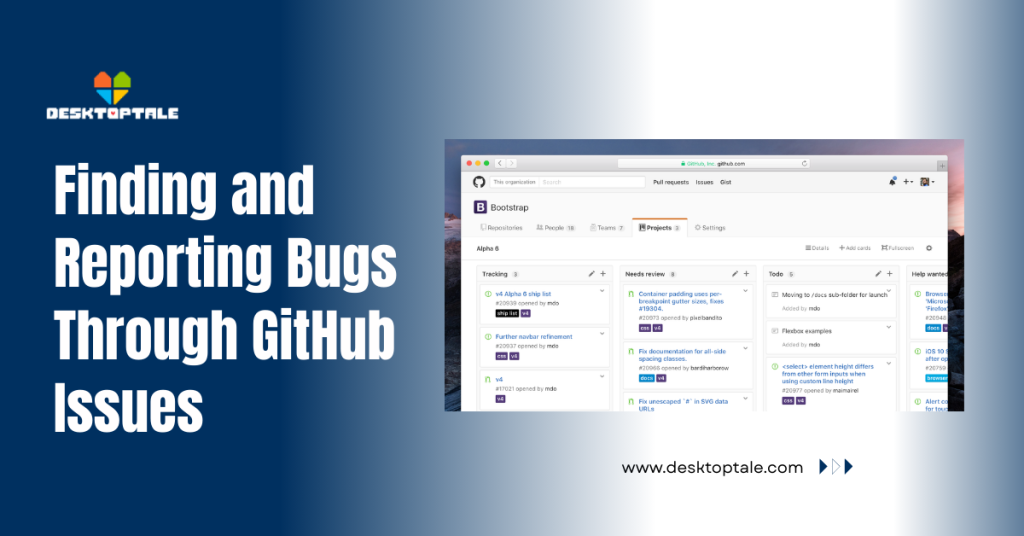
Finding and Reporting Bugs Through GitHub Issues
One of the easiest ways to help is to identify issues that aren’t working and report them to the developers. The “Issues” tab is like a big to-do list where anyone can point out a glitch or suggest a new idea.
Reporting a bug properly helps the coders fix it much faster than a vague comment on social media. It is a fantastic way to contribute if you aren’t ready to write complex code just yet.
- How to Write a High-Quality Bug Report for Developers
- Start with a clear and short title that describes exactly what the problem is on your screen.
- List the steps you took to make the bug happen so the developers can see it too.
- Mention your Windows version and attach a screenshot if the bug is a visual glitch.
- This detailed info helps the team track down the error without asking a hundred questions.
- Searching for Existing Issues to Avoid Duplicate Reports
- Use the search bar in the “Issues” tab to see if someone else already found that bug.
- If you find a matching report, add a comment with your own details instead of making a new one.
- This keeps the board clean and helps the team focus on fixing the actual problems quickly.
- You can also upvote existing requests to show the team what the community wants most.
Forking the Repository and Creating Development Branches
Forking is the process of making your own personal copy of the project, where you can experiment safely. It lets you mess with the code without breaking the version everyone else is using.
Once you have your fork, you can create “branches” to keep your different ideas organized and separate. It is the professional way to handle code changes before they are ready for the main app.
Creating Your Personal Copy of the DesktopTale Source Code
Click the “Fork” button on the top right of the main GitHub page to copy the project to your account. This gives you full control over your version of the files while staying connected to the original source.
You can then download this copy to your computer and start making the changes you’ve always wanted to see. It is a safe playground where you can learn how the engine works without any pressure.
Organizing Feature Branches for Clean Code Management
Always create a new branch for every specific feature or fix you are working on, like “fix-walking-glitch.” This keeps your work tidy and makes it much easier for the main team to review your suggestions.
If you try to do everything in one branch, the code gets messy and harder to understand for others. Proper organization shows the developers that you are serious about high-quality contributions.
Submitting Pull Requests for Code and Asset Updates
A Pull Request (PR) is your formal request to add your changes to the official version of DesktopTale. This is where the core team reviews your work and decides whether it is ready to be merged.
It is a proud moment for any contributor to see their code officially become part of the software. Just be prepared to chat with the maintainers if they have any questions about your update.
Documenting Your Changes for the Core Maintenance Team
When you submit a PR, write a short summary of what you changed and why it helps the project. Clear communication speeds up the review process and helps build trust with developers.
Explain any new features you added so testers know exactly what to look for. Good documentation is just as important as the code itself when you are working with a team.
Passing the Automated Build and Code Quality Tests
The GitHub repository often runs automated tests to ensure your new code doesn’t crash the app. If the “Check” turns green, it means your code is clean and follows the project’s main rules.
If the test fails, don’t sweat it, just check the logs to see what went wrong and fix the error. These automated tools are there to help you catch mistakes before they reach the public.
Contributing Non-Code Assets and Pixel Art Characters
You don’t need to be a programmer to help out with the artistic side of the project. Contributing new sprites or improving the documentation is a huge help that the community really appreciates.
The wiki and guide pages always need updates as the app evolves. Your writing or drawing skills can make the app much more friendly for new users who have just joined.
| Pixel Art | Upload to community gallery | Transparent PNG |
| Documentation | Edit the GitHub Wiki | Markdown Text |
| Translation | Update language files | JSON or Text |
Uploading Custom Sprite Sheets to the Community Gallery
If you’ve made a cool new character, you can share the sprite sheet so others can enjoy it too. The gallery is a great place for artists to showcase their Undertale-style pixel art to the entire fan base.
Make sure your images are clean and conform to the engine’s standard sizing rules. High-quality art contributions are what keep the community excited and growing every single day.
Improving Documentation and Wiki Guides for New Users
If you found a setting hard to understand, help others by rewriting the guide in the GitHub Wiki. Clear instructions make it easier for everyone to get their desktop pets running without any trouble.
Adding “How-to” steps or fixing typos in the manual is a very helpful and easy way to start. It shows that you care about the user experience as much as the technical details.
Advanced Community Interaction and Code Review Ethics
Being part of an open-source project is about more than just files; it is about the people you work with. Learning how to talk to other developers and accept feedback is a key skill for any successful contributor.
Participating in discussions helps shape the future direction of the app and its features. It is a collaborative effort in which everyone’s voice matters in creating the best desktop pet engine possible.
Participating in Discussion Threads and Feature Requests
The “Discussions” tab is the perfect place to brainstorm new ideas or ask for help with the code. Engaging with the community here helps you learn the “why” behind the project’s biggest design choices.
It is also a great place to see what others are working on and find partners for a big project. Friendly interaction is what keeps the DesktopTale community such a positive place for everyone.
Learning from Feedback During the Peer Review Process
When a developer suggests a change to your code, take it as a friendly tip to help you grow. Peer review is how all great software is made, and it ensures the final product is as stable as possible.
Don’t take critiques personally; everyone wants the same thing: a bug-free and fun application. Listening to experienced members will help you become a much better coder and contributor in the long run.
Conclusion
Contributing to the DesktopTale GitHub project is a rewarding way to give back to the community you love. Whether you are fixing small bugs or adding massive new features, your time and effort truly matter. By following the right steps and being a helpful team member, you can help build the ultimate desktop pet experience. The repository is open and waiting for your ideas, so go ahead and make your first contribution today. We can’t wait to see what you bring to the taskbar!
Frequently Asked Questions (FAQ)
Do I need to be a pro at C# to help?
Not at all! You can help with art, documentation, or simply by finding and reporting bugs in the app. There is a place for everyone in the DesktopTale community, regardless of skill level.
What is a “Pull Request” exactly?
It is a formal way to show the developers the changes you made and ask them to add your work to the main app. It allows the team to review your code before it goes live.
Can I contribute my own custom characters to the official list?
Yes! You can submit a PR with your character folder so it can be considered for the community gallery. Just make sure you have the right to share the art you are using.
Is it okay if I’m new to Git and GitHub?
Absolutely! Most developers are happy to help beginners learn the ropes of version control. It is a great place to learn the basics of professional software development while having fun.
How do I know what needs fixing?
Look for issues labeled “Good First Issue” or “Help Wanted” in the GitHub Issues tab. These are tasks that the developers think are perfect for someone just starting out.
What happens if I break something in my fork?
Nothing bad! That is the beauty of a fork: you can break whatever you want without affecting anyone else. You can always reset your fork to the original version and start over.
Can I help translate the app into my language?
Yes, and the team would love the help! Helping with translations is a massive contribution that makes the app much better for people who don’t speak English fluently.
Where can I talk to other contributors?
The “Discussions” tab on GitHub or the official Discord server is the best place to meet the team. You can ask questions, share ideas, and find people to help you with your code.
Latest Posts: